
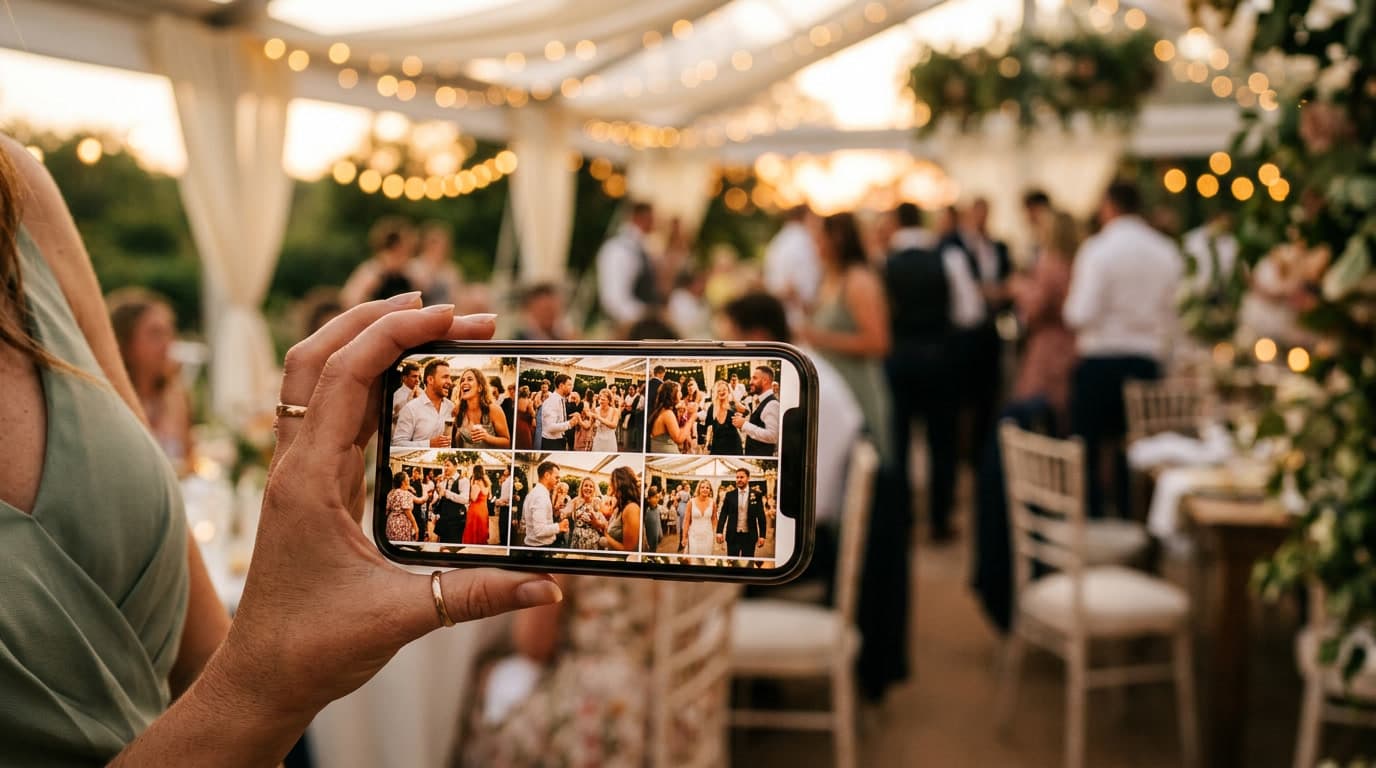
How to collect all your wedding guests' photos afterward
By Wedding Capsule · August 28, 2026
The wedding is over, the thank-you notes are sent, and one question remains: how do you actually collect all the photos your guests took during the reception? Between your professional photographer's shots and those from your 80, 100, or 150 guests, a good chunk of the best moments risks staying stuck on phones you'll never see again.
The problem (almost) no one plans for
You spend months planning a wedding: the venue, the caterer, the dress, the music. But "how will we collect our guests' photos?" rarely makes it onto the checklist — and yet it often turns into one of the biggest regrets afterward. Dozens of authentic, spontaneous moments, sometimes far more alive than the photographer's posed shots, end up disappearing into the memory of phones nobody ever thinks to ask for.
The usual methods, and their limits
The group chat. The default go-to for most couples. Easy to set up, and everyone already has it on their phone. The problem: photos sent over chat apps get automatically compressed, losing a good chunk of their quality. And they quickly get buried in the conversation — between the "we're 10 minutes away" messages on the day and the jokes that follow, finding one specific photo three months later is a real hunt.
A USB stick or disposable camera on the tables. Charming on paper, but in practice, a good share of disposable cameras come back half-used, badly framed, or simply forgotten on a table by the end of the night. And you still have to get the film developed, which pushes the wait even further before you see anything.
A shared album like Google Photos or iCloud. A technically better option, but one that asks every guest to create an account, install the app, and figure out how to access it — enough friction that many give up before sending a single photo, especially among guests less comfortable with tech (think grandparents, or friends who'd rather not sign up for one more account).
Asking each guest individually afterward. The most time-consuming method, and the least effective: between follow-ups that go unanswered and photos people simply forget to send, you'll never get everything that was taken that night.
What changes with a dedicated QR code
The trend that's taken hold recently is a QR code displayed right on the tables or near the guestbook. The idea: guests scan the code with their phone's camera app — a gesture they already know —, and land directly on a page where they can post their photos, no account to create, no app to install. That near-zero friction changes everything: you naturally collect far more photos, and at full quality instead of compressed.
That's exactly the principle behind Wedding Capsule: a private page for your wedding, reachable via QR code, where your guests share their photos throughout the evening — and where you can also add your photographer's shots to bring everything together in one place.
Our practical tips
If you want to maximize how many photos you actually get back, a few simple habits help a lot: display the QR code (or whichever solution you choose) in several strategic spots — on the tables, near the bar, at the entrance — rather than in one place nobody notices. Ask your best man, maid of honor, or a close friend to mention it briefly on the mic early in the evening, so everyone knows the option exists. And above all, set the solution up before the big day, not that same morning in a rush — a system tested in advance avoids nasty surprises during the reception.
Whichever method you choose, the key is thinking about it beforehand — not discovering afterward that half the evening's memories are missing.